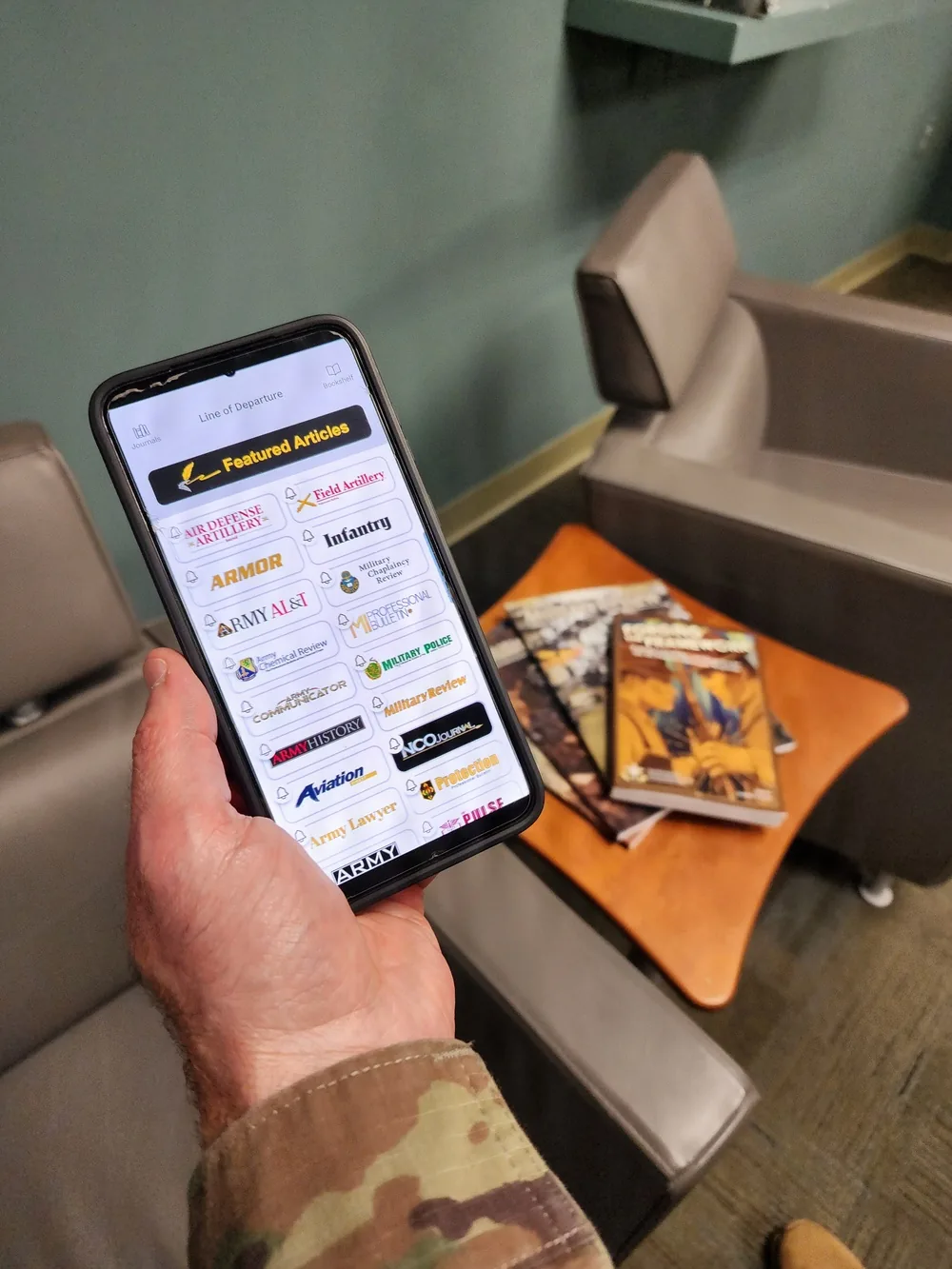
The best half-staff alert app in 2026 depends on your phone, state-alert needs, and tolerance for subscriptions. Flag Day is the clearest national-focused cross-platform candidate, while Service First presents a no-upfront-cost iPhone and Android option with national, state, and weather notifications. iPhone users also have paid one-time alternatives, but no listing alone proves that an alert will arrive correctly or on time.
Our comparison is dated August 26, 2026 and uses current U.S. App Store, Google Play, and developer pages. We did not conduct a controlled delivery benchmark, so “best” means the best documented fit for a stated use—not a reliability guarantee. Store prices, features, privacy labels, compatibility, and availability can change by account, region, and date.
Never move a flag from an app alert alone. Use the alert to discover a possible order, then open the issuing White House, governor, or agency page and confirm the covered flags, property, start, and end. Our official half-staff alert guide explains that verification chain; today's status page provides a fast starting point.
This guide compares the leading cross-platform choices, explains what “free” actually means, checks iPhone-versus-Android differences, and provides a 10-minute setup test. Use the half-staff calendar for recurring-date planning, but keep an official source as the final authority for unscheduled orders.
At-a-Glance Comparison of Half-Staff Alert Apps
| App | Platforms | Price shown | Stated coverage | Best documented fit |
|---|---|---|---|---|
| Flag Day | iPhone/iPad, Android | Free download; in-app purchases | National/White House alerts; iOS explicitly excludes state notices | People focused on national orders who accept paid terms |
| Service First | iPhone/iPad, Android | No upfront store price at inspection | National, state, and weather alerts claimed | Cross-platform users wanting state selection and wind prompts |
| Half-Staff Flag Alerts | iPhone | $0.99 one-time listing | Federal and multi-state alerts claimed | iPhone users preferring a stated one-time purchase |
The table records U.S. storefront information inspected on August 26, 2026. It does not promise identical checkout terms in another country or account. “Install” and “free download” describe acquisition, not necessarily permanent access to every alert feature. Open the purchase screen before accepting a trial or subscription.
Coverage language also matters more than a broad app name. Flag Day's iOS listing says it does not cover state notifications, while Service First claims both state and national coverage. Neither claim proves complete delivery. Whichever app you choose, compare its current status with the live status page and the linked issuing source before changing a flag.
Privacy summaries are platform-specific. Service First's Apple label says data is not collected, while its Google Play disclosure says location and personal information may be collected. Those developer-supplied labels can change and are not independent audits; review the exact store page on the device you will use.
How This Comparison Was Evaluated
We used a source hierarchy designed for an operational flag decision. A White House proclamation or governor's notice outranks an app. An official store listing is the best public source for visible price, compatibility, version history, and disclosed privacy practices. A developer page explains intended features, while reviews supply questions to test—not proof that an app always succeeds or fails.
Each app was checked for platform support, national-versus-state scope, links or descriptions of information sources, half-staff and return-to-full-staff notices, price model, permissions, privacy disclosures, and visible update history. We also asked whether a custodian could identify the issuing authority from an alert and whether the app's stated coverage matched the property they manage.
What we did not test: we did not install every app, trigger controlled notifications, measure delivery latency, audit code, or confirm every historical order. Star ratings are dynamic and were not used as a reliability score.
Privacy labels require similar restraint. Apple's developer guidance says developers provide and update their privacy answers, including third-party partner practices. Google's Data safety guidance likewise makes developers responsible for disclosures. Labels help comparison, but they are not a substitute for the current privacy policy and live permission prompts.
Our recommendation is therefore a dated fit assessment. Before relying on any candidate, perform the setup test below and keep the official-source alert workflow as your independent backup.
Flag Day App: National Alerts With an iOS State Limit
Flag Day's iPhone listing makes its scope unusually clear: it claims alerts for presidential and scheduled national half- and full-staff days, but says state notifications are not covered. That makes it a plausible fit for a homeowner following national directives, not a complete solution for a school or facility that must track a governor's orders.
The inspected U.S. listing requires iOS 14.0 or later and displays “Free · In-App Purchases.” Its description advertises $7.99 per year after a one-week trial or $1.99 per month after a three-day trial. The separate purchase list shows multiple yearly amounts, so treat the final in-device checkout screen as controlling and inspect renewal terms before starting a trial.
The Android listing also shows in-app purchases and describes national alerts, a calendar, and etiquette material. It was marked updated November 4, 2025 at inspection. Do not assume it has state coverage merely because the iOS and Android products share a name; the visible Android wording did not establish an all-state service.
Privacy disclosures differ too. Apple's developer-supplied label says usage data and diagnostics may be collected without being linked to identity. Google Play's developer-supplied label says no data is collected or shared. This may reflect platform implementation or disclosure choices; it is not evidence that one version was independently audited.
Best documented fit: users on either platform who mainly want national reminders and are willing to verify subscription terms. Before depending on it, compare a current alert with the White House document and test whether the return-to-full-staff message arrives when your operating procedure needs it.
Service First App: Free Cross-Platform Alerts and Weather Prompts
Service First's developer page calls its iPhone and Android product free and emphasizes both half-staff and high-wind alerts. The two official store listings offered installation without an upfront price when inspected. That makes it the strongest documented candidate for shoppers who want a no-upfront-cost cross-platform option, though the current checkout and in-app screens remain the final cost check.
The iPhone listing claims federal and state half-staff alerts, weather reminders, a calendar, and location-based support. It requires iOS 15.1 or later and showed version 1.5.0 dated April 13. The page explicitly says the app is privately developed, not a government service, and bases its information on public sources.
The Android listing makes similar national, state, weather, and ZIP-code personalization claims and showed an April 10, 2026 update. Its Data safety section says location and personal information may be collected, data is encrypted in transit, and deletion can be requested. Apple's label instead says Data Not Collected. Review each platform independently.
Weather prompts can help a flag custodian react to gusts before equipment is damaged, but they also create more notification traffic than a flag-only app. During setup, disable weather categories you do not need and confirm that flag notices remain enabled. One Play review questions an account prompt, but a review is version-specific anecdote; observe whether the current app requests an account and decide whether the benefit justifies it.
Best documented fit: households and organizations that want state selection plus weather awareness on iPhone or Android. Its broader claims make verification more important, not less: confirm every operational notice at the named government source.
How to Choose on iPhone Versus Android
Android shoppers have the simpler shortlist in the official listings reviewed: Flag Day for a national-focused, in-app-purchase model, or Service First for claimed national, state, and weather coverage without an upfront price. Confirm that your Android version is supported, then compare Data safety, required account steps, location choices, and notification controls inside Google Play and the app.
iPhone users have those two cross-platform products plus several paid choices. Half-Staff Flag Alerts showed a $0.99 one-time price, required iOS 18.0, and claimed federal alerts, multiple-state selection, no ads, and no subscriptions. That is attractive if you have a current iPhone and prefer a stated one-time purchase, but the claims still need a live test.
Aptitude's Half-Staff showed $1.99, required iOS 14.0, and claimed U.S., state, D.C., and territory status. The Jed Mahonis Half Staff App showed $0.99 and a visible version history ending with version 1.1 in January 2015; its description focuses on federal notices and invites state requests.
An old visible version entry does not prove that a server feed is dead, and a new update does not prove timely coverage. Use recency and customer comments to decide what to test: compare a current status, send any built-in test notification, verify state filters, and confirm the return message. Do not repeat a reviewer's failure report as a universal product fact.
Practical decision: start with phone compatibility, then required jurisdiction, then total price and privacy. A broad state claim is useless if the app cannot run on your device; a cheap app is poor value if it cannot pass your source-comparison test.
Before You Install: Privacy, Permissions, and Cost
Pause at the store page before tapping Install or Get. Confirm the current upfront price, listed in-app purchases, trial length, automatic-renewal terms, required operating system, developer name, privacy policy, and recent version history. A free download with a subscription can cost more over a year than a one-time app, while an inexpensive purchase still needs to meet your coverage requirements.
- Location: ask whether manual state or ZIP selection works before granting precise or background location.
- Account: identify what information signup requires and whether the current app offers useful access without it.
- Notifications: allow alerts, then check sound, lock-screen, Focus/Do Not Disturb, and app-level category settings.
- Data: compare the store label with the privacy policy for location, personal information, analytics, diagnostics, sharing, encryption, and deletion.
- Battery: ensure battery optimization or background restrictions do not silently suspend the alert process.
Apple's iPhone guide explains that tracking permission can be reviewed and changed. Android's permission guide covers changing location and notification permissions. Start with the least access that supports your chosen state and weather features, then expand only if a clearly explained function fails.
A “Data Not Collected” label does not necessarily mean an app never uses information on the device, and granting location does not automatically mean the developer stores it. Store definitions distinguish access, processing, transmission, and retention. Read the current policy and actual prompt instead of inferring behavior from one short badge.
After installation, take screenshots or notes of the accepted price, selected jurisdictions, and permissions for the organization's records. Recheck after major updates because app features, disclosures, and operating-system controls can change.
Pair Every App With Official Federal and State Sources
Treat an app notification as a prompt to verify, not as the legal or administrative instruction itself. At the federal level, open the relevant item in the White House proclamation archive and read the operative language. Confirm which flags and locations it covers, when lowering begins, and the exact end point. A summary that omits “until sunset” or a named date can produce the wrong return time.
For a state notice, follow the alert to the governor or designated state agency. Scope varies. North Carolina's official subscription page, for example, describes emails for governor orders affecting flags at state facilities. Minnesota's official page separately describes lowering the national flag on state property and the limited circumstances for lowering the state flag. Do not turn “state facilities” into “every private flagpole” without supporting text.
- Read the original order, not only the push-notification headline.
- Match the authority and jurisdiction to your property's policy.
- Record the start, end, sunset, and return-to-full-staff instruction.
- Use a second channel—an official email list, bookmarked page, or written facility procedure—as backup.
USAGov identifies the President, a governor, and the mayor of the District of Columbia as authorities who can order half-staff display. Use Half Staff Today's status page for a quick current view and the calendar for recurring observances, then retain the linked government document for the operational decision. Our official-alert setup guide explains how to build that independent backup.
A 10-Minute Setup and Verification Test
Minutes 0–2: confirm that the developer, operating-system requirement, visible price, trial, and renewal terms match what you reviewed. Select only the federal, state, or weather categories you need. If the app permits manual state or ZIP entry, try it before granting precise or always-on location.
Minutes 2–4: enable notifications and inspect the phone's delivery controls. Apple's notification guide shows that an iPhone app can be allowed yet routed to scheduled delivery or delayed by Focus. On Android, open the app's notification categories and check sound, Lock Screen display, Do Not Disturb exceptions, battery restrictions, and unused-app settings. Android menu names vary by device maker and version.
Minutes 4–7: open one current or recent half-staff entry. Can you see the issuing authority, reason, jurisdiction, covered property, start, and end? Follow the source link if one is offered, then compare the result with the government's page and the current status page. A date without a source or a state label without property scope is not enough for an organizational procedure.
Minutes 7–10: use a built-in test notification if the app provides one. Confirm it appears where expected and that tapping it opens useful detail. If there is no test function, record delivery as not tested; ten minutes cannot prove future speed or completeness. Note your jurisdiction, permissions, categories, cost, test time, and app version.
Pass standard: the app runs on the device, exposes the needed jurisdiction, has acceptable permissions and price, surfaces enough information to locate an official order, and does not get silently bundled into a summary. Then add an official email or bookmark using the backup-alert guide. Recheck after an app or operating-system update.
Is There a Genuinely Free Half-Staff App for Android?
Yes, with a dated qualification: Service First was the clearest no-upfront-cost Android candidate in the U.S. listings inspected on August 26, 2026. Its official Google Play page displayed Install without an upfront price or in-app-purchase badge, and the developer page called the product free.
That answer describes the visible acquisition cost, not a permanent guarantee. A future release could change pricing, require an account, alter available features, or become unavailable in a region. The Android Data safety label also says the app may collect location and personal information. A zero-dollar install can therefore still carry privacy and setup tradeoffs. Review the current prompts before deciding it is free enough for your use.
Flag Day does not qualify as fully free under the same test. Its Google Play listing displays “In-app purchases.” Although installation is available, the live subscription or purchase screen determines which functions remain accessible without payment. Individual reviews can flag questions to test, but they cannot prove that every user sees the same offer.
Use only the official Play listing linked from Google Play or the developer's verified page; this guide did not evaluate third-party APK mirrors. Before relying on the free option, confirm that it covers your state, passes the 10-minute test, and agrees with the current official-source status. Free access is useful, but it is not evidence of complete or timely alerts.
Frequently Asked Questions
Is there one official U.S. government half-staff app?
None of the specialized apps compared here is the issuing authority. Flag Day and Service First describe themselves as privately developed. USAGov explains that the President, state governors, and the D.C. mayor can order half-staff display. Use an app to discover a change, then verify the applicable federal or state document.
Which app covers state half-staff orders?
Service First claims national and state-specific coverage on both platforms. Several iPhone-only paid apps also claim multi-state coverage. Flag Day's iOS listing explicitly says it covers White House notifications, not state notices. Coverage is a listing claim until you test your jurisdiction against actual official orders.
Why might a notification be missing or late?
Possible causes include disabled app categories, Focus or scheduled summaries, silent delivery, network interruption, battery or unused-app restrictions, an incorrect state selection, or a gap in the app's source feed. Do not diagnose from a star review alone. First locate the official order, note its publication time, check the app's activity and phone settings, and report the evidence to support. Keep an official email or bookmark backup.
Will an app tell me when to return the flag to full staff?
Flag Day claims both half- and full-staff alerts, and other apps may display an end date. Still, the source order controls. Record whether it ends at sunset, at a stated hour, or after a date, and consider time zone and property scope. If the app and source disagree, follow your organization's policy and the original instruction rather than guessing from the push headline.
Are the iPhone and Android versions identical?
No assumption of parity is safe. Store descriptions, prices, operating-system requirements, privacy labels, update timing, and even available features can differ. Review the page for your platform and repeat the setup test on the actual device. If you change phones, treat it as a new evaluation instead of copying old settings.
Should I use an app or a half-staff calendar?
Use both for different jobs. The calendar helps plan recurring observances; an alert app can surface unscheduled changes. Neither replaces a newly issued proclamation or governor notice. The safest workflow combines a phone reminder, an official subscription where available—such as North Carolina's state-facility alerts—and a final source check before a custodian acts.
Comments
Comments are reviewed before publication.
Sign in with Google to join the discussion.
Loading comments…